AC + CS*

*Advanced Cultural and Contextual Studies.

AC + CS*

*Advanced Cultural and Contextual Studies.

AC + CS*

*Advanced Cultural and Contextual Studies.

Deliverables

Carefully research and select ONE IMAGE that offers insights into one or more of these areas (clashes of culture or time, or both) and add it to your journal along with some brief commentary (50 words – 100 words max.) analysing/explaining/highlighting/de-constructing/interpreting the image content.

Topic Journal

Carefully research and select ONE IMAGE that offers insights into one or more of these areas (clashes of culture or time, or both) and add it to your journal along with some brief commentary (50 words – 100 words max.) analysing/explaining/highlighting/de-constructing/interpreting the image content.

Weekly Tasks

Week 1

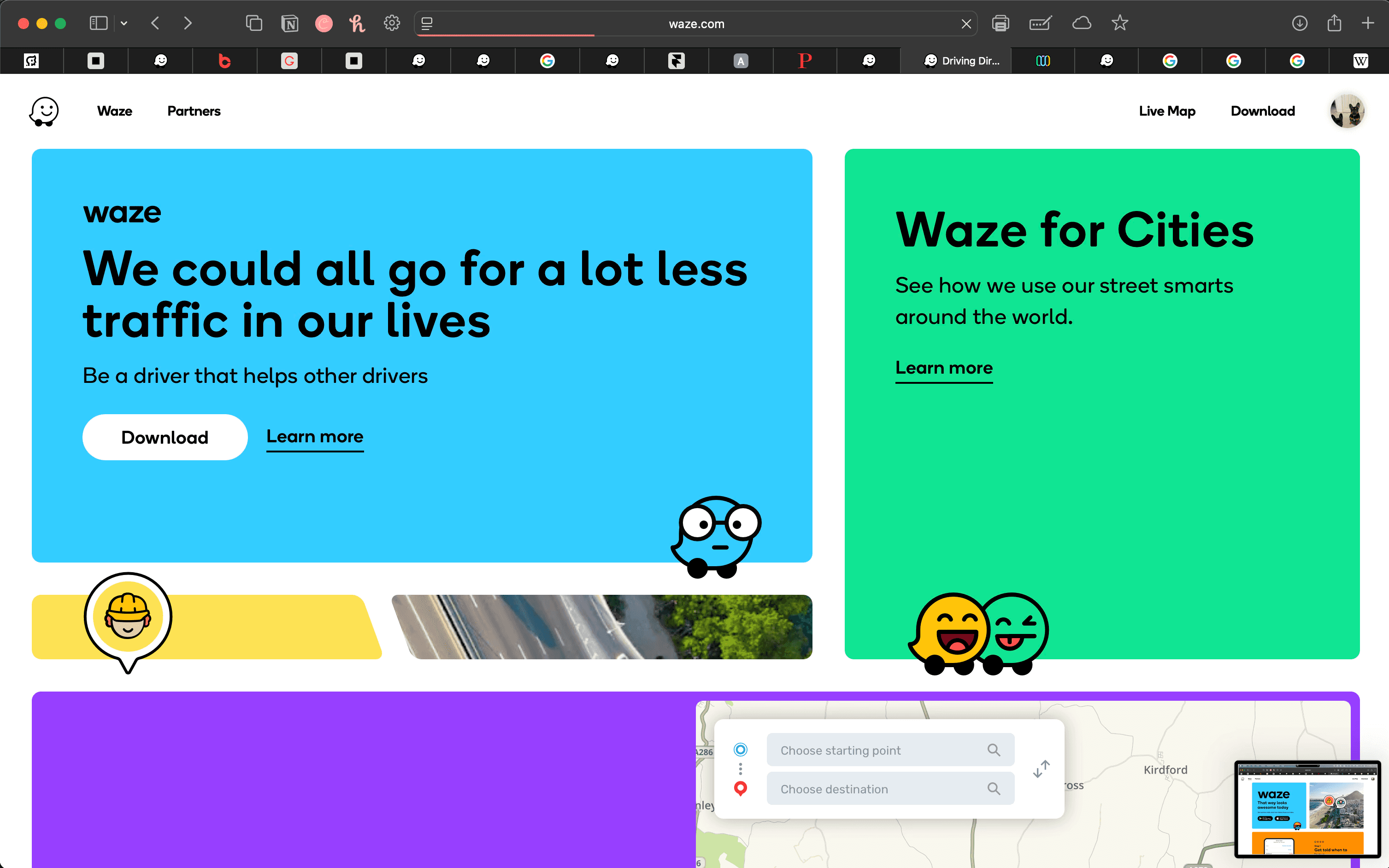
The website is initially quite simple, just like the app. The nav bar is almost invisible due it being kept quietly at the bottom right of the page.

At first, I found this a little strange but it makes perfect sense. Keeping the nav out the way keeps the main purpose of the site the focal point of the page. You're most likely using Waze to get directions - not to learn about their annual sustainability reports. Click the image to take a look.
Weekly Tasks

Week 2

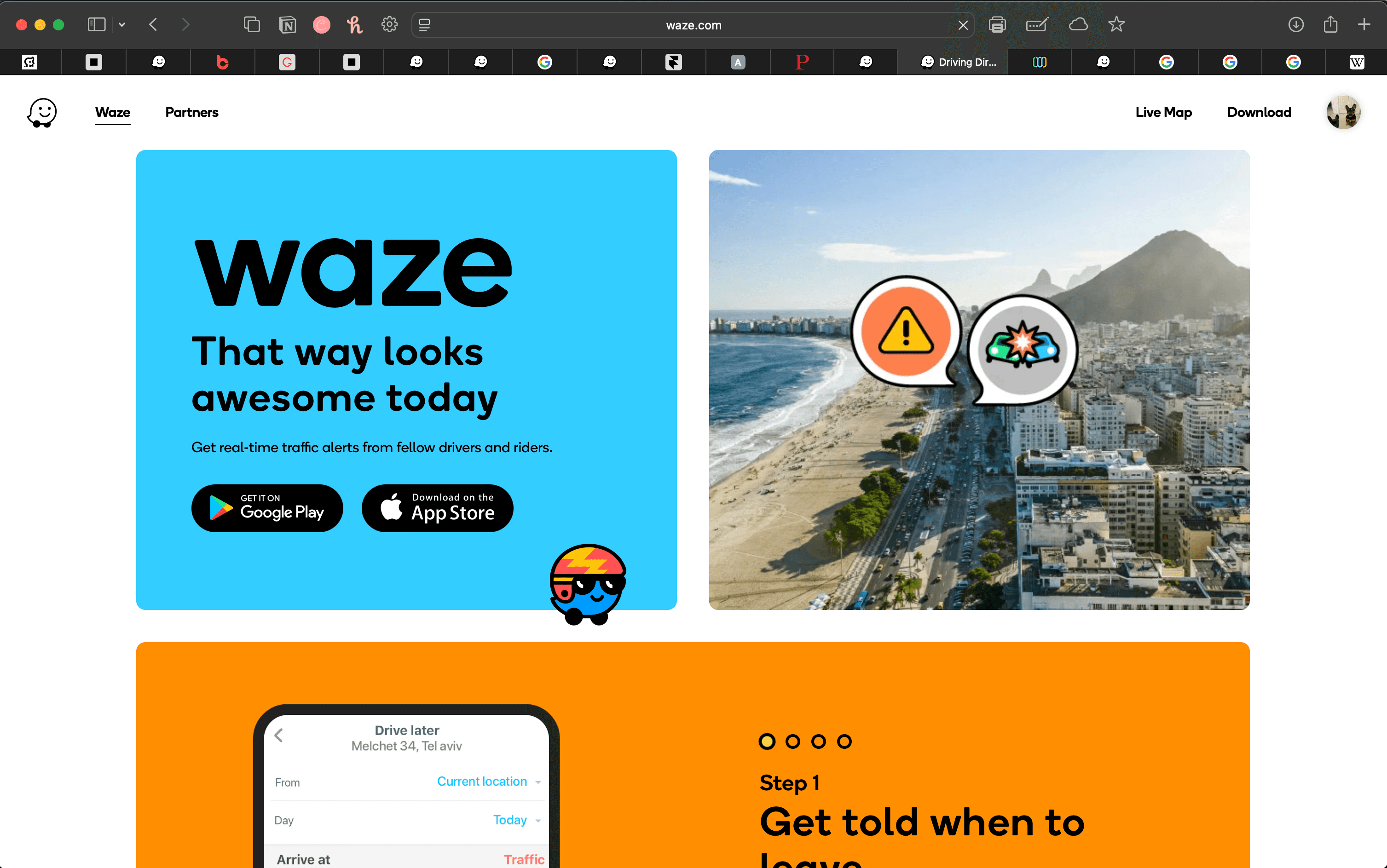
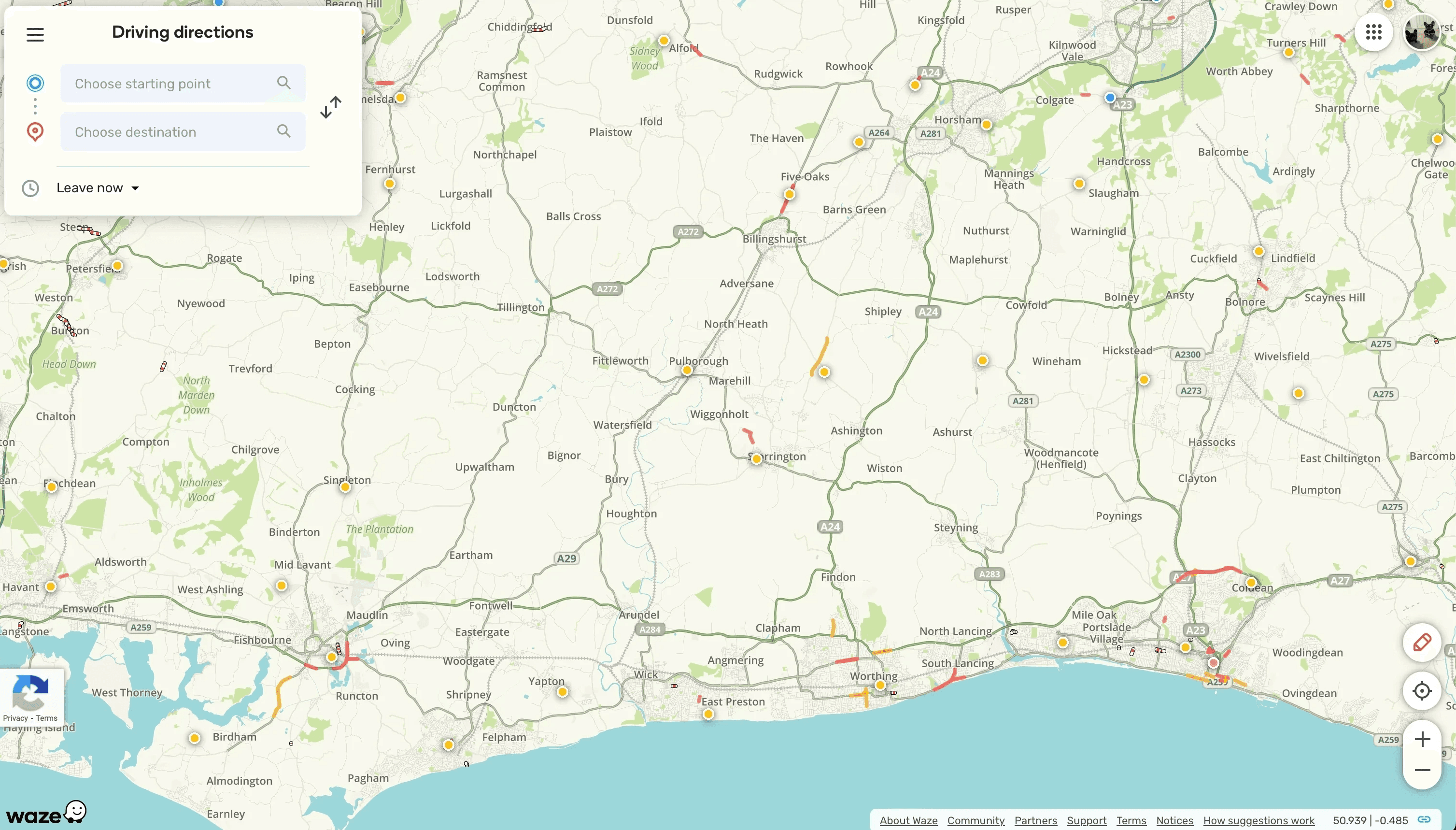
You’re greeted with a friendly interface made up of white, blue, and grey tones. This base palette is extended further through the map itself, which includes greens, creams, and other soft colours. It feels standard for a navigation tool - but importantly, it’s also warm and welcoming.

The colour palette of both the user interface and the map work in harmony to create a cohesive visual experience. That same consistency carries through as you navigate, giving a strong sense of continuity across a variety of Waze's touch-points but not all of them. For the most part, nothing feels out of place.
Weekly Tasks

Week 3

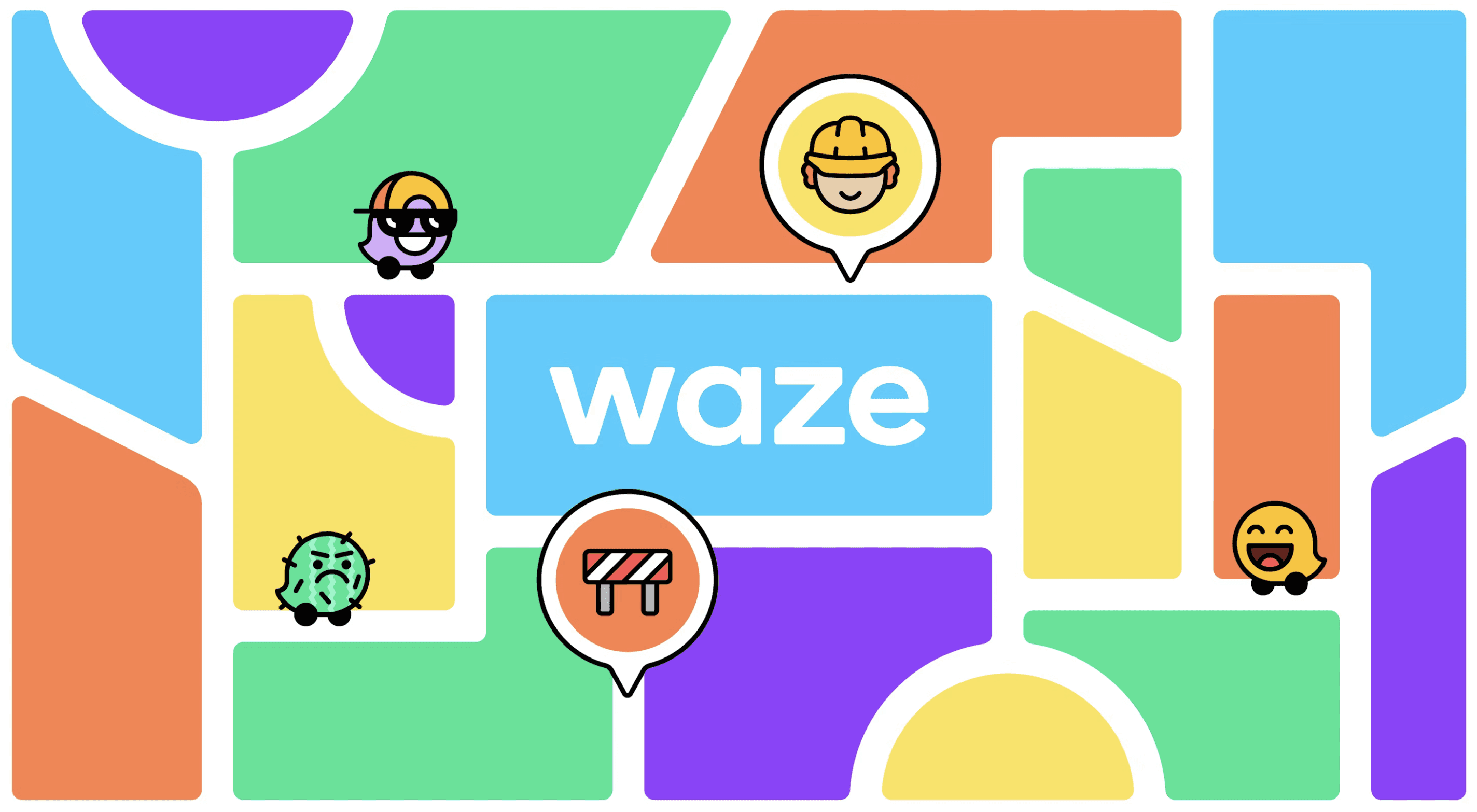
The overall layout of Waze is simple and approachable. There’s a clear hierarchy in how information is presented, which avoids clutter and helps with usability - especially important in a navigation app. The minimal design leaves room to breathe, and while the layout feels playful, it’s never childish or chaotic. It walks the line between being helpful and being friendly, and it does this really well.
Weekly Tasks

Week 4

The typeface used by Waze, as mentioned in Pentagram's project page, is Boing - Medium and Regular in particular. The type specimen below is sourced from Pentagram's site.

According to Pentagram, Waze has roots in crowdsourcing and has a history of being "vibrant and dynamic". The purpose of the new identity is to leverage this heritage in such a way that gives Waze a visual language that creates aesthetic unison whilst cementing its "joyful sense of individual expression".

Boing was developed by the A2 Type foundry who also made tweaks for Waze's new logotype. This typeface "combines personality with utility and has rounded corners for a friendly look" according to Pentagram.

I would say that's the perfect way to put it. Imagine the corners weren't rounded for a moment. You'd have a very robust, militant font that feels indestructible. Round them corners and suddenly you've softened things up. It's like meeting your partners dad for the first time. You expect him to be hard as nails, but actually he's a pretty chill bloke - true story.

At first, I thought this typeface was Poppins which is famous for it's friendliness and that was my first impression but I think it's incredibly overused, so it's safe to say Boing is an excellent choice and works very well in this application.
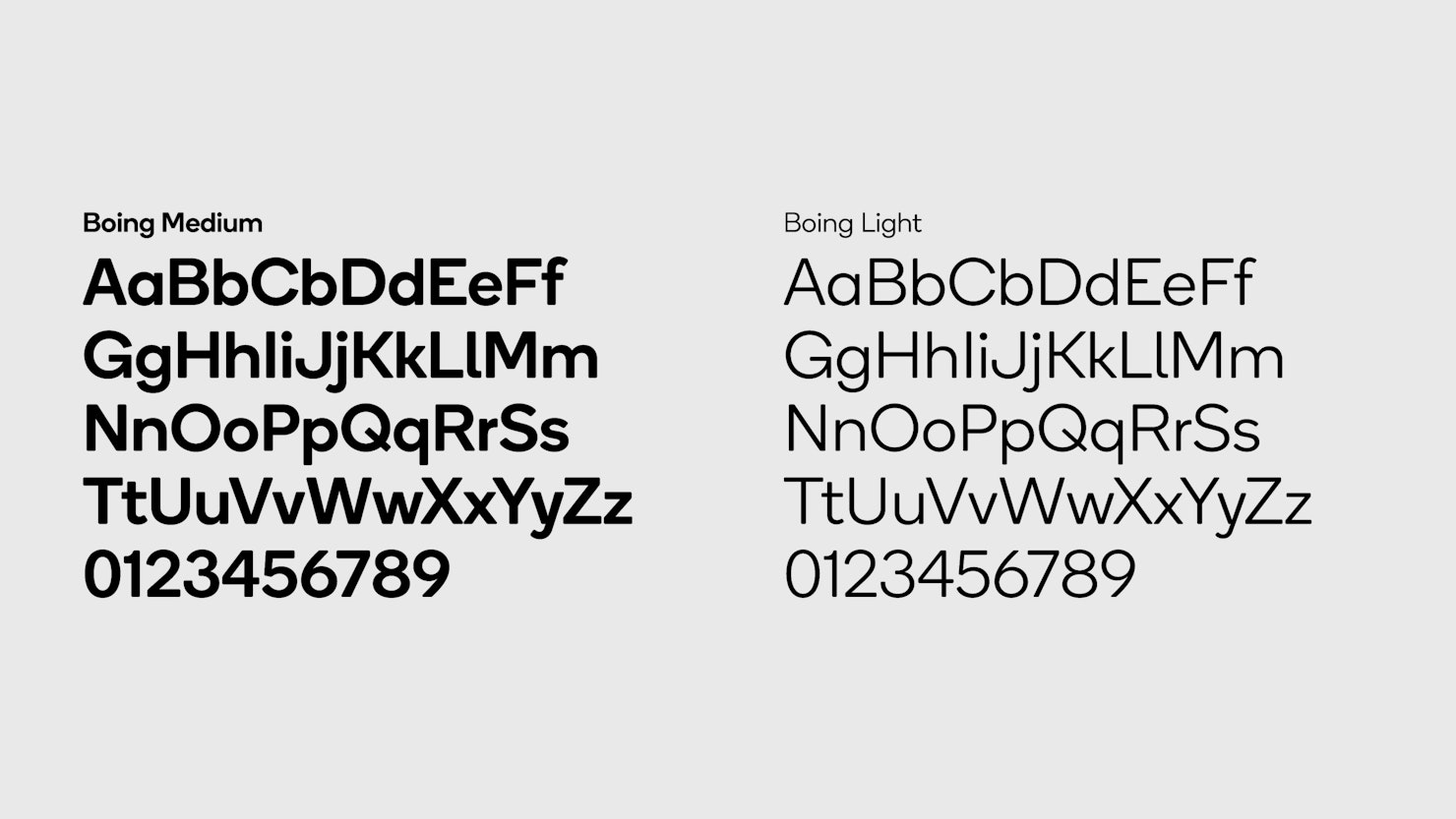
A type specimen sheet for the typeface "Boing" with text in black on a light grey background. Letters from A-Z

Weekly Tasks

Week 5

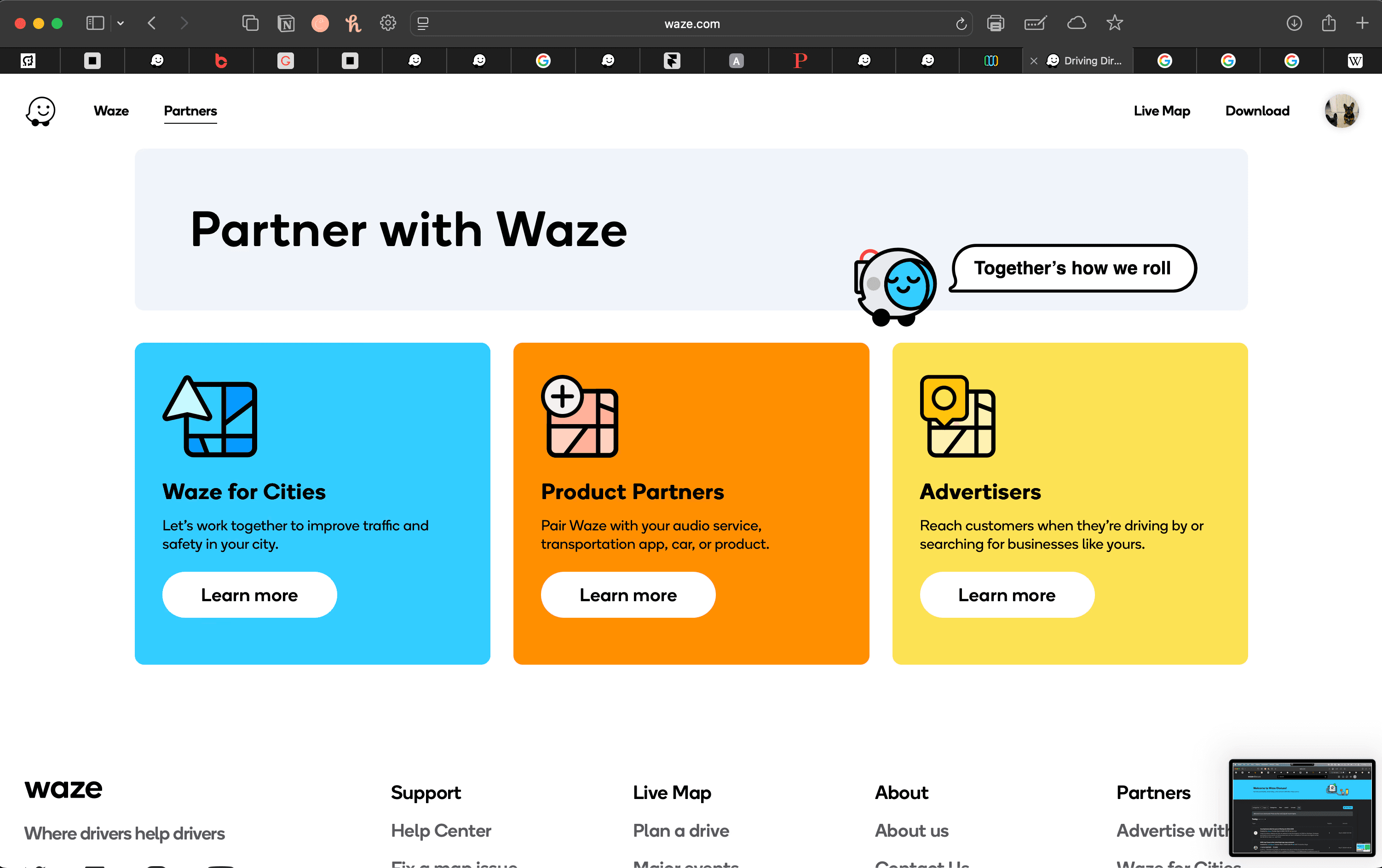
When you first hit Waze, you're likely landing on the map because that's what you're looking to use. However, I don't imagine many people whipping out their laptop to check the route home from work. You'd be better off grabbing your phone and setting off.

Or perhaps you know the drive and just need an ETA. Either way… you land on the map and the navigation is almost invisible. This makes sense right? You want to use the map, you've got it. If you don't, you have options. They're just not thrown in your face and distracting you from actually navigating in the map.

For this reason, it makes sense that the map is the only page with this layout. However, this leads to inconsistency which is typically frowned upon. In these circumstances, I don't think this is such a bad thing - in fact it shows a deliberate decision has been made which benefits map users.

Using the other core pages? The navigation suddenly becomes much more conventional. I have noticed though, the Waze logo and "Waze" nav item take you to different pages that seem to be the same thing, just reordered and written a little differently. From a web development side of things, extra pages slows down site loading and can worsen the user experience. Are both pages necessary? I'm not sure. On the flip side, Waze is owned by Google so I'd assume they have good reason for it.

After all, they're the all-seeing internet gods. Take a look below.

When you first hit Waze, you're likely landing on the map because that's what you're looking to use. However, I don't imagine many people whipping out their laptop to check the route home from work. You'd be better off grabbing your phone and setting off.

Or perhaps you know the drive and just need an ETA. Either way… you land on the map and the navigation is almost invisible. This makes sense right? You want to use the map, you've got it. If you don't, you have options. They're just not thrown in your face and distracting you from actually navigating in the map.

For this reason, it makes sense that the map is the only page with this layout. However, this leads to inconsistency which is typically frowned upon. In these circumstances, I don't think this is such a bad thing - in fact it shows a deliberate decision has been made which benefits map users.

Using the other core pages? The navigation suddenly becomes much more conventional. I have noticed though, the Waze logo and "Waze" nav item take you to different pages that seem to be the same thing, just reordered and written a little differently. From a web development side of things, extra pages slows down site loading and can worsen the user experience. Are both pages necessary? I'm not sure. On the flip side, Waze is owned by Google so I'd assume they have good reason for it.

After all, they're the all-seeing internet gods. Take a look below.

Swipe left on the image below to cycle through the content.

Red arrow pointing to the right of the page to indicate their is swipeable carousel

Essay Plan

Select your charity - I have chosen the animal rescue and rehoming charity, "The Ark". Then, question your client (the tutor) to become familiar with the client requirements and form your own brief. With this in mind, create a sensible timescale for the project.

Essay Plan

200 Word Plan

This essay will explore how colour functions as a psychological and semiotic tool within beverage branding, focusing on how Coca-Cola, Pepsi, and Starbucks use colour to influence emotional appeal and consumer loyalty. Drawing upon theories of colour communication (Eiseman, 2000), semiotics (Crow, 2017), and visual culture (Rose, 2016), it will analyse how red, blue, and green operate as coded signifiers of emotion, identity, and value in global marketing campaigns.

The discussion will be organised into three case studies:

  1. Coca-Cola’s enduring use of red to convey excitement, warmth, and heritage identity.

  2. Pepsi’s adoption of blue to express freshness, confidence, and modernity.

  3. Starbucks’ use of green to represent calmness, ethical consumption, and lifestyle aspiration.

Each case will apply visual and semiotic analysis to reveal how colour creates meaning across packaging, advertising, and digital media. A final section will consider how cultural differences influence these colour associations worldwide. The essay will conclude that colour operates not only as an aesthetic choice but as a powerful emotional and cultural mechanism that shapes consumer trust, brand perception, and long-term loyalty.

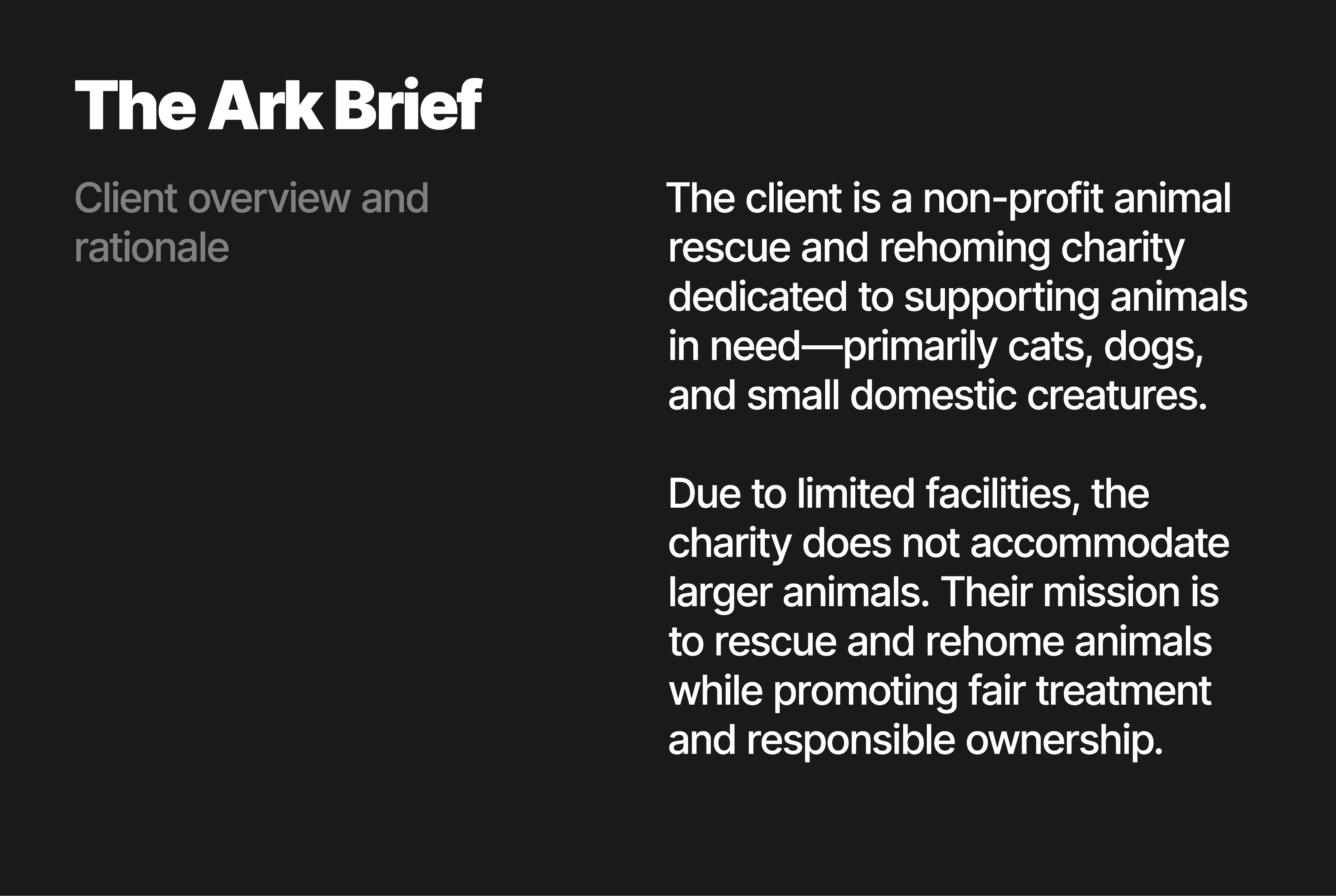
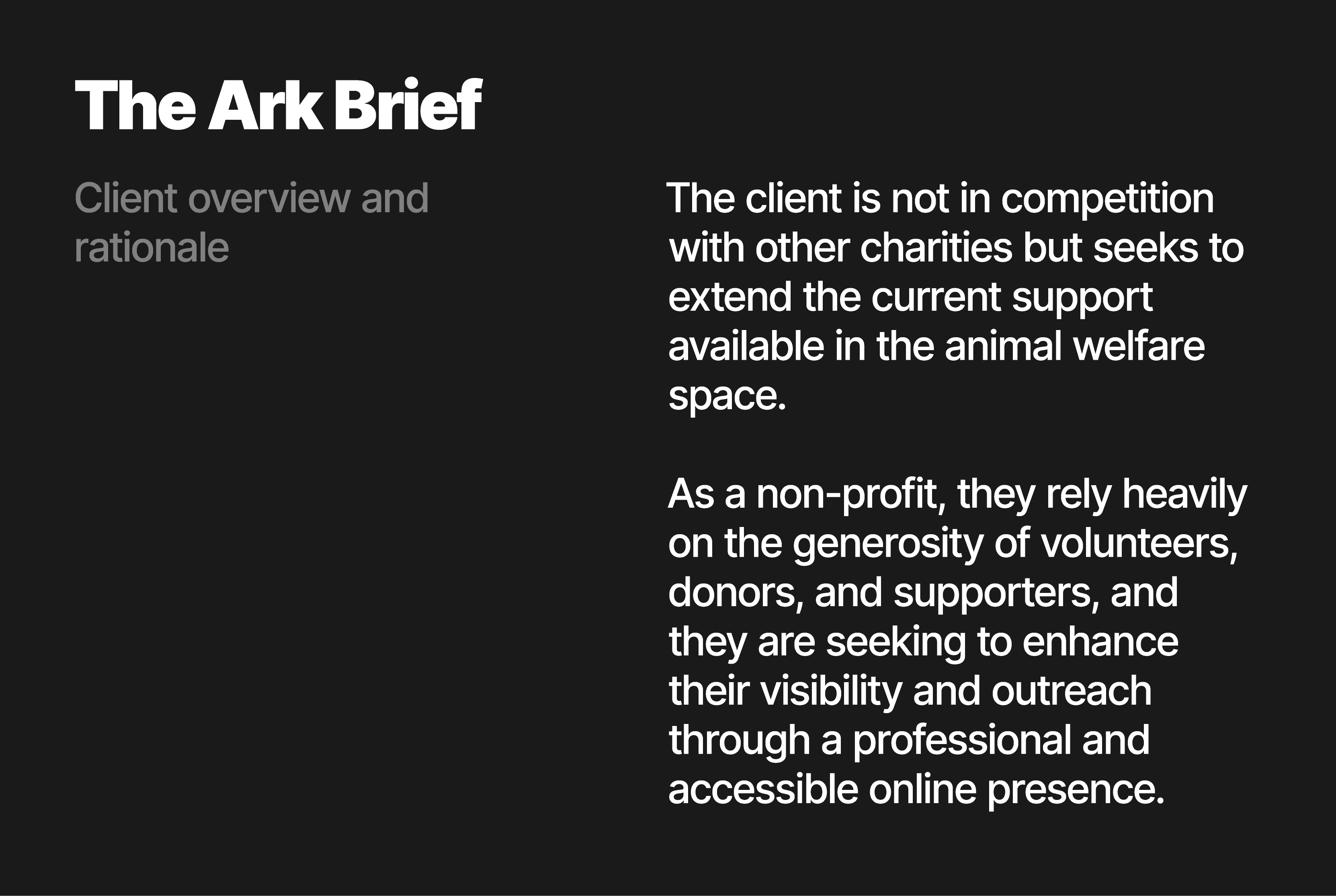
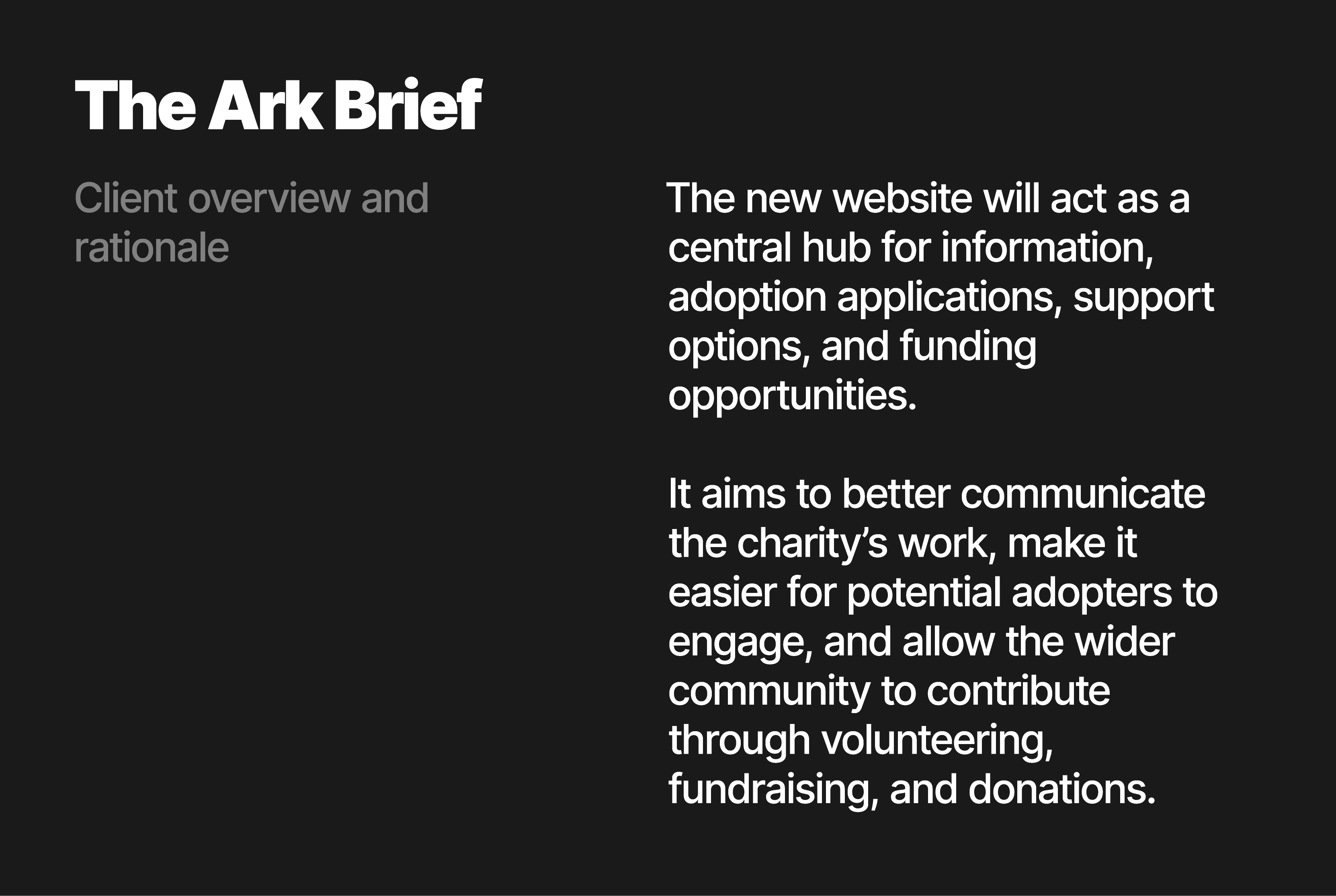
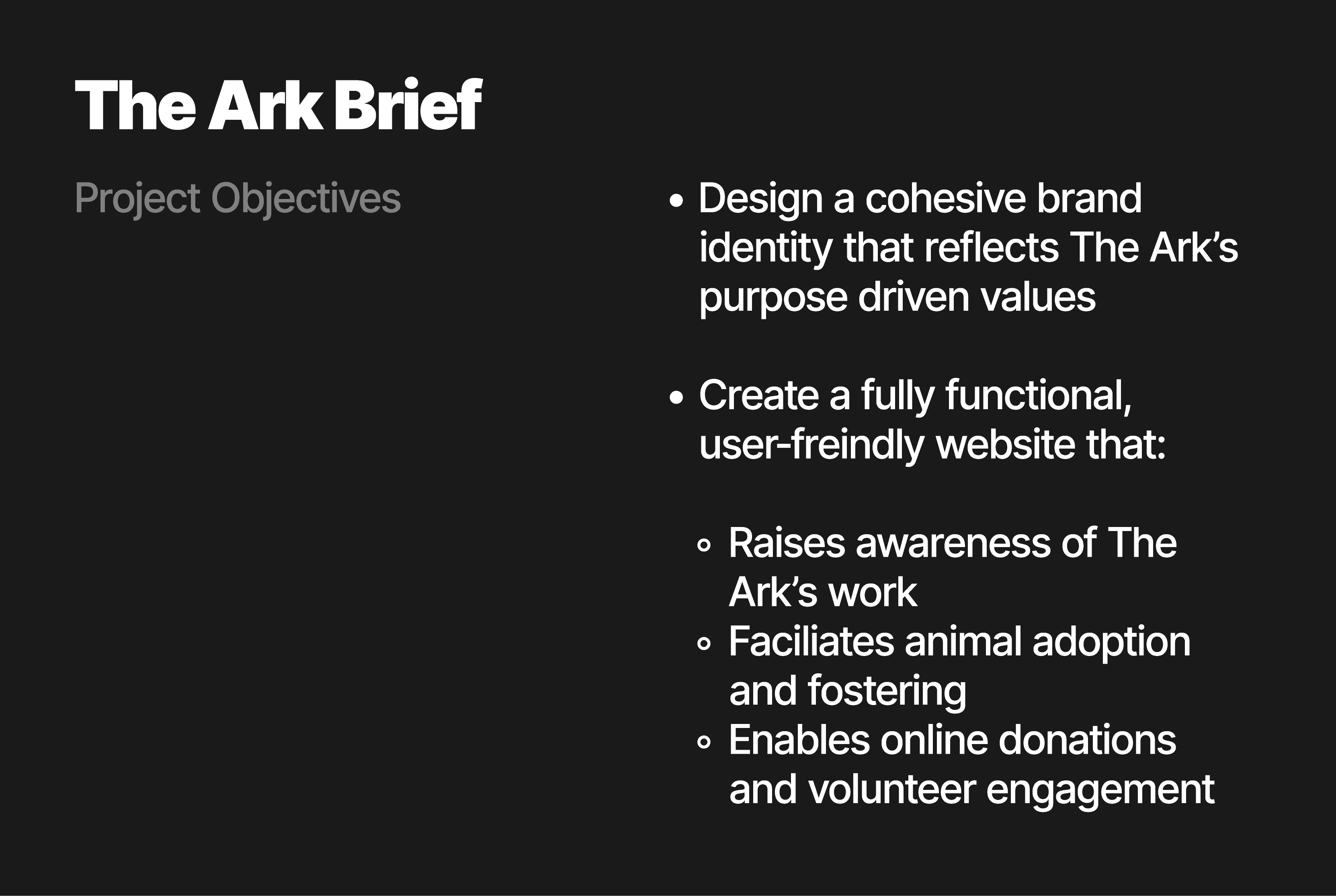
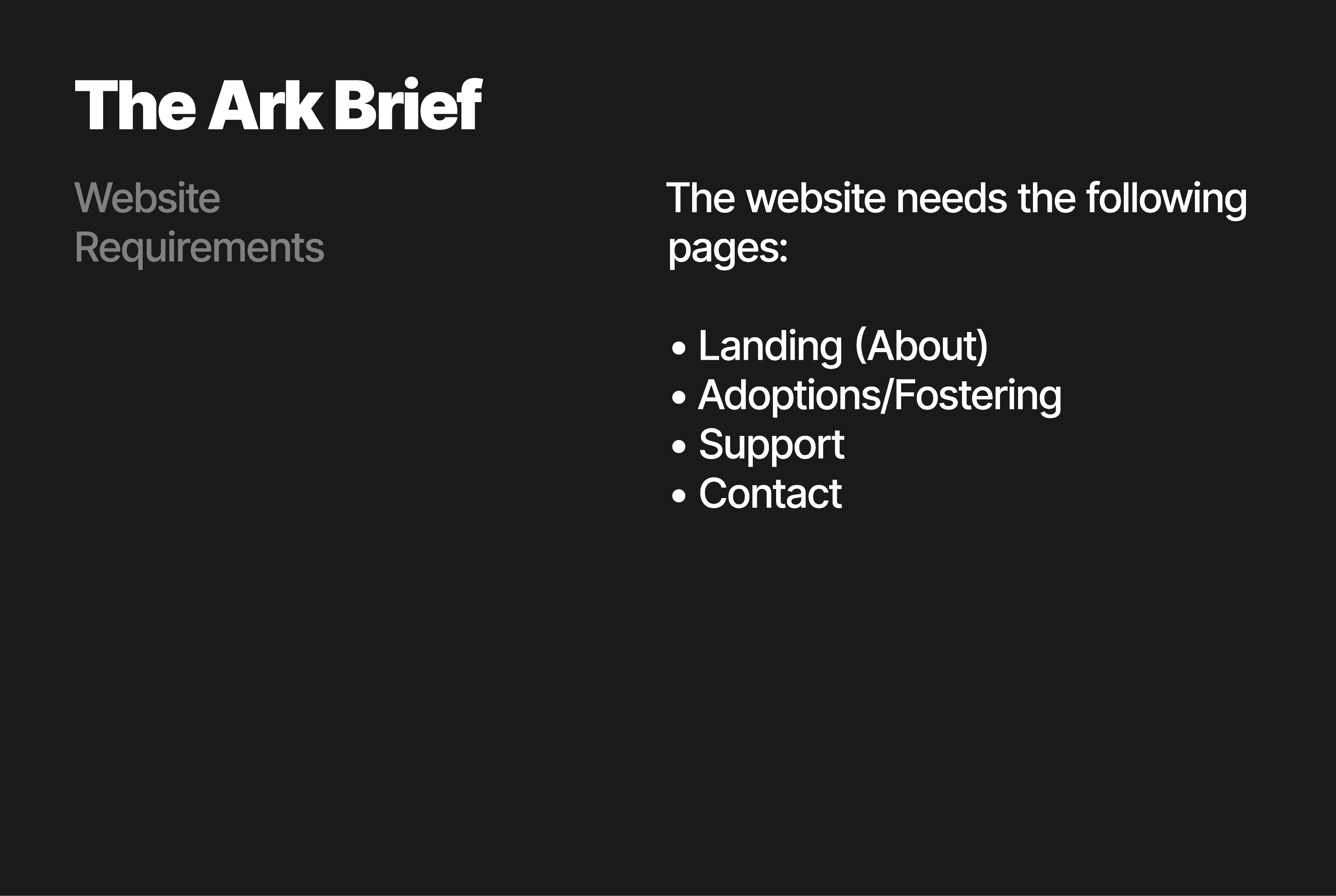
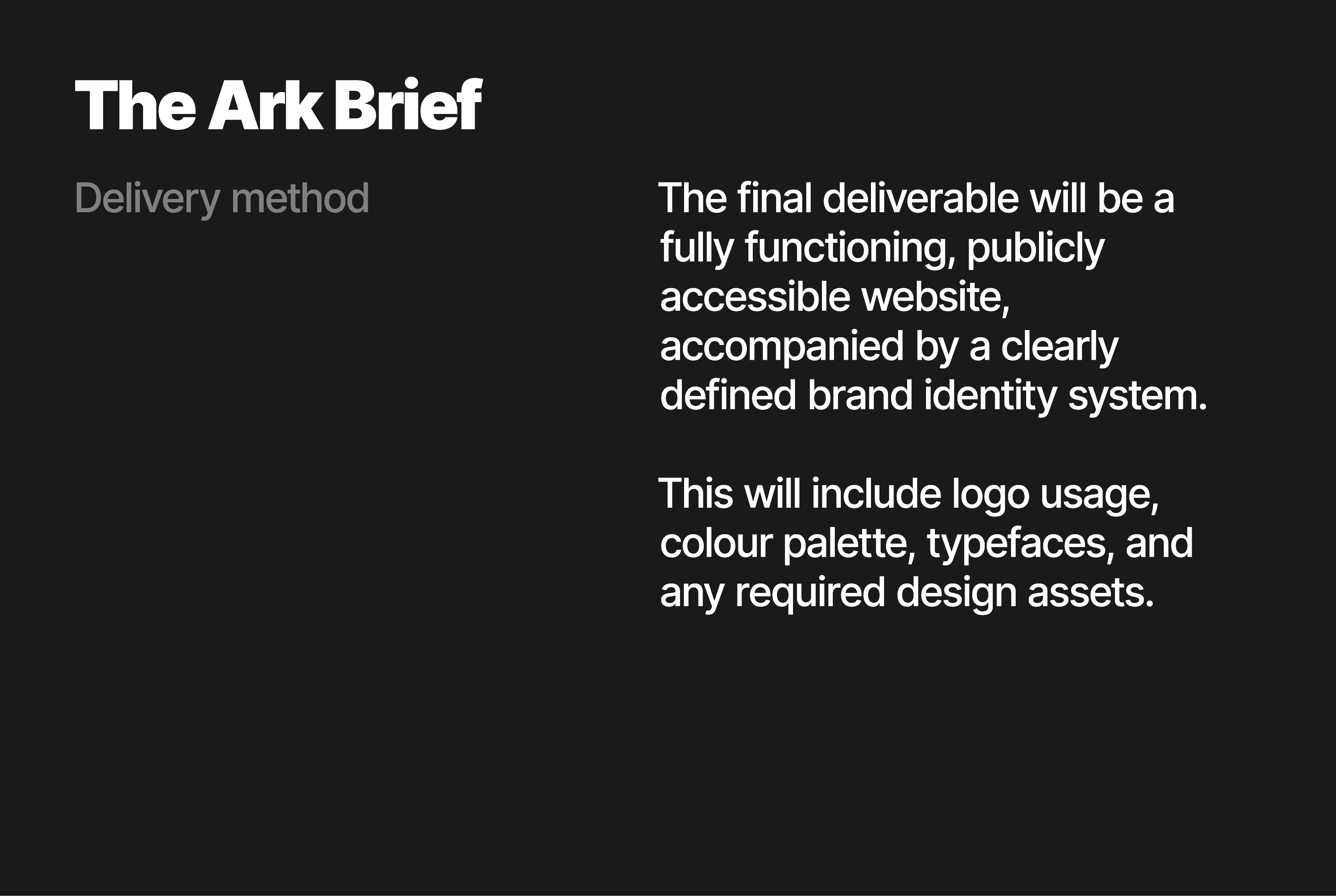
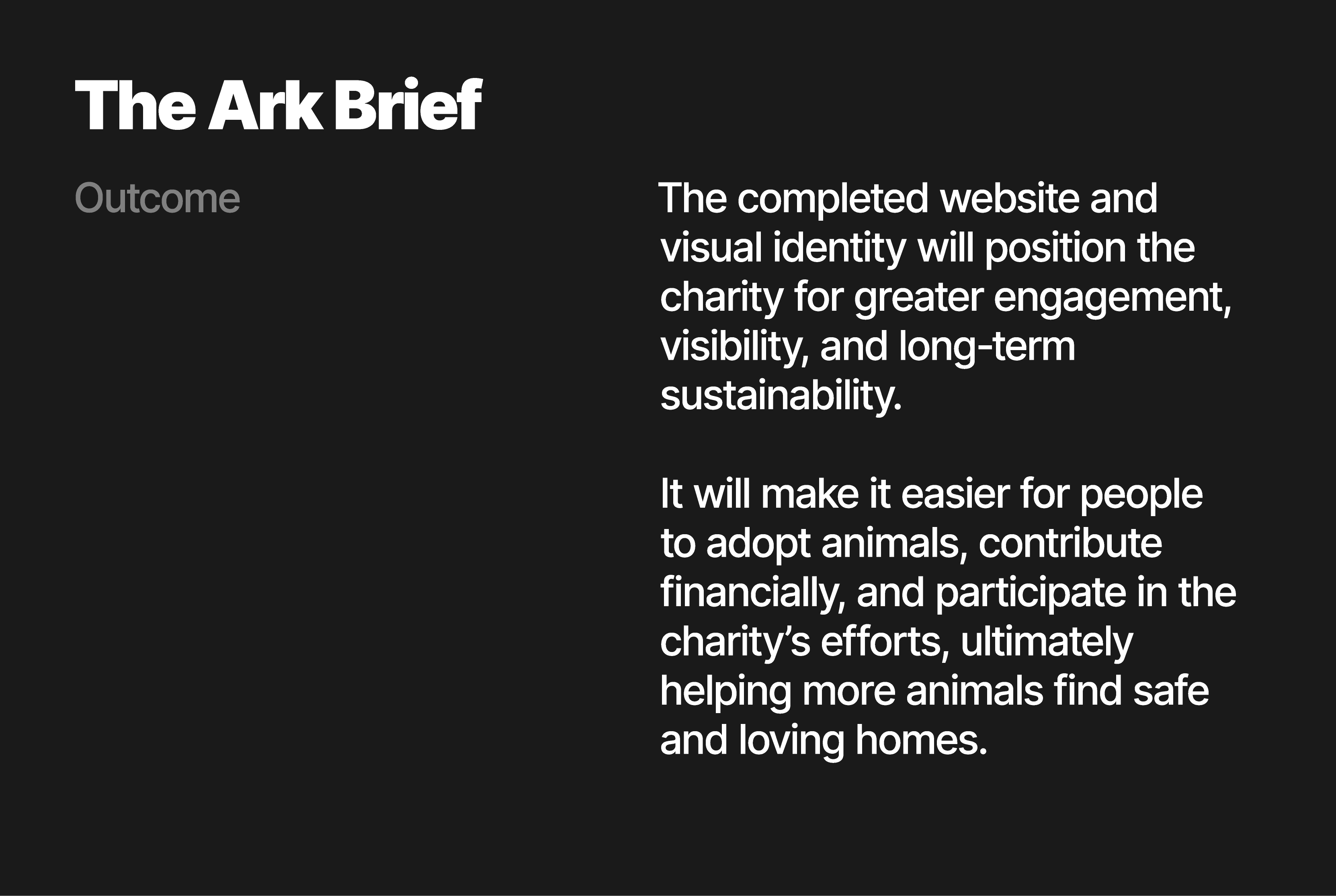
After the Q&A session I put this information into a written brief to help guide me through the entire design process. There isn't much guidance on how to design the brand identity as the client had no preferences. This has been left down to me, the designer, to decide what's best for the charity.

Swipe left on the image below to cycle through the content.

Structure

Abstract

A short academic summary of your essay’s purpose, argument, and conclusions.

Explain that the essay analyses how colour operates as a semiotic and psychological device in beverage branding, focusing on Coca-Cola, Pepsi, and Starbucks.

Mention your methodological approach (visual and semiotic analysis using Crow, Eiseman, and Rose).

Briefly summarise findings — e.g. “Coca-Cola’s red evokes excitement and nostalgia; Pepsi’s blue conveys modern freshness and trust; Starbucks’ green implies ethical calmness and lifestyle authenticity.”

End by noting how this reveals colour as both an emotional trigger and cultural code within global marketing.

After the Q&A session I put this information into a written brief to help guide me through the entire design process. There isn't much guidance on how to design the brand identity as the client had no preferences. This has been left down to me, the designer, to decide what's best for the charity.

Swipe left on the image below to cycle through the content.

Red arrow pointing to the right of the page to indicate their is swipeable carousel

The Essay

Analyse your brief, and make sure that you understand your client’s requirements. Create a mind map and with this information in mind start “wireframing” on paper. There will be a separate tutorial on this subject. At this point you will be creating block layouts without using logo,type, colour or images.

The Essay

Essay

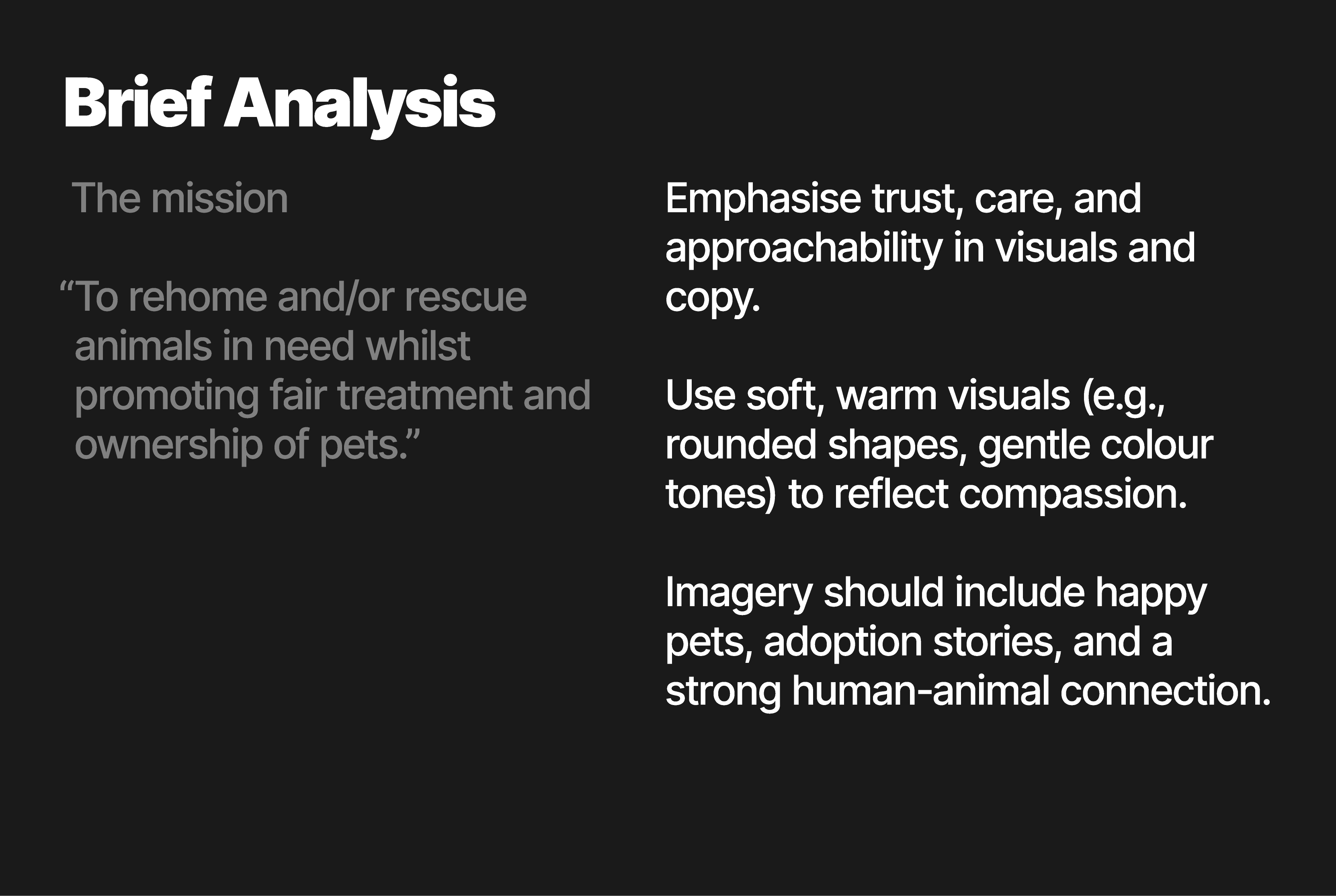
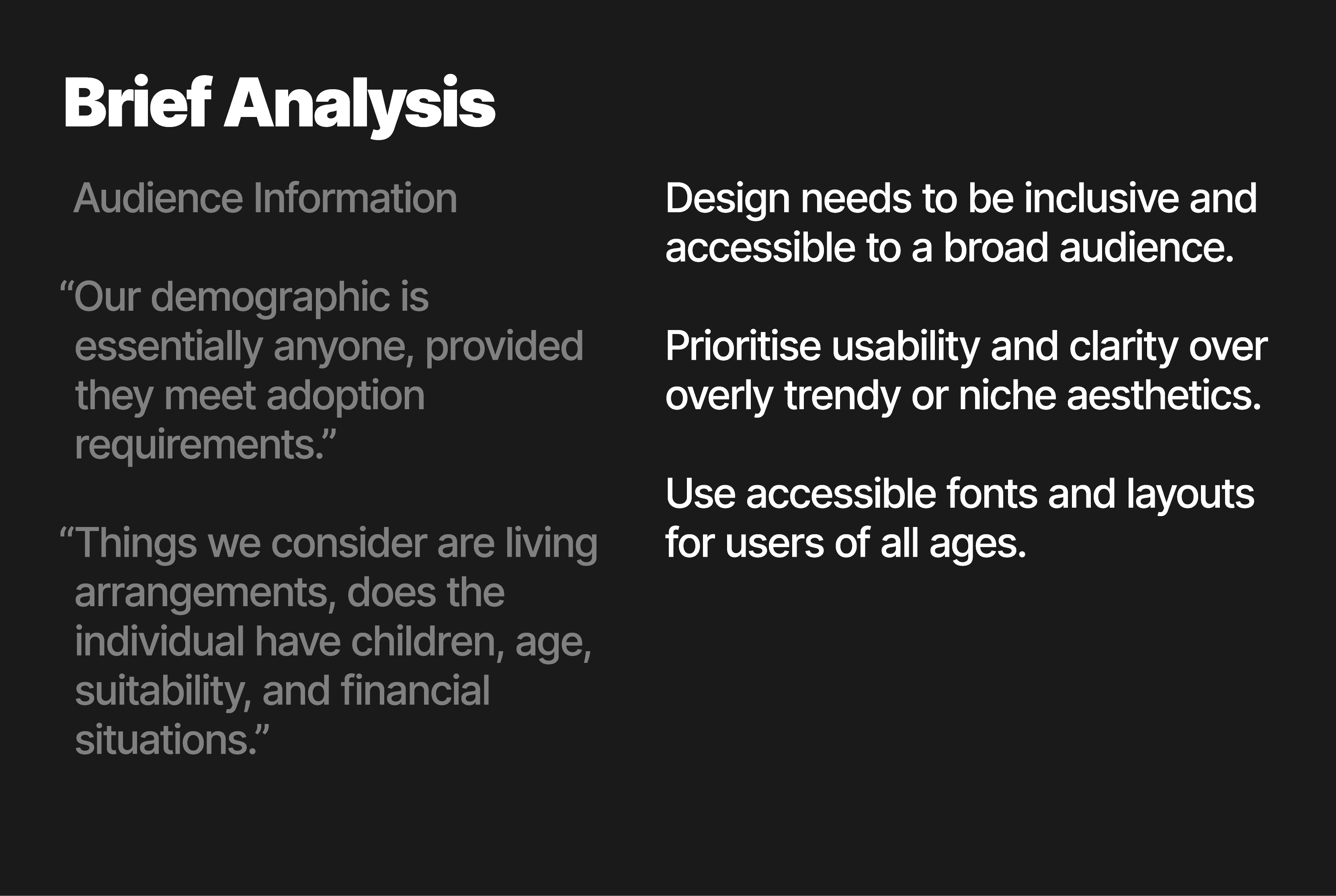
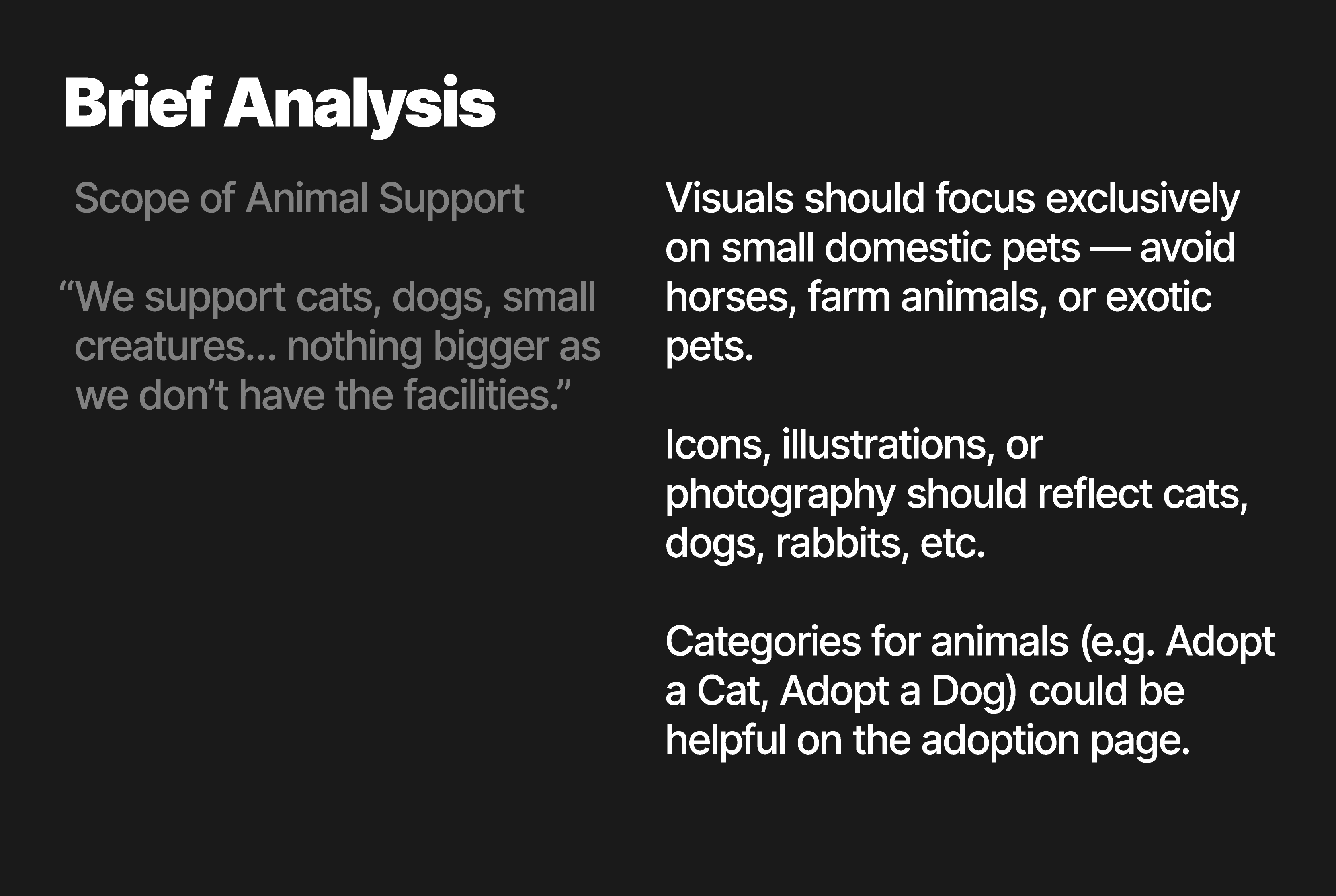
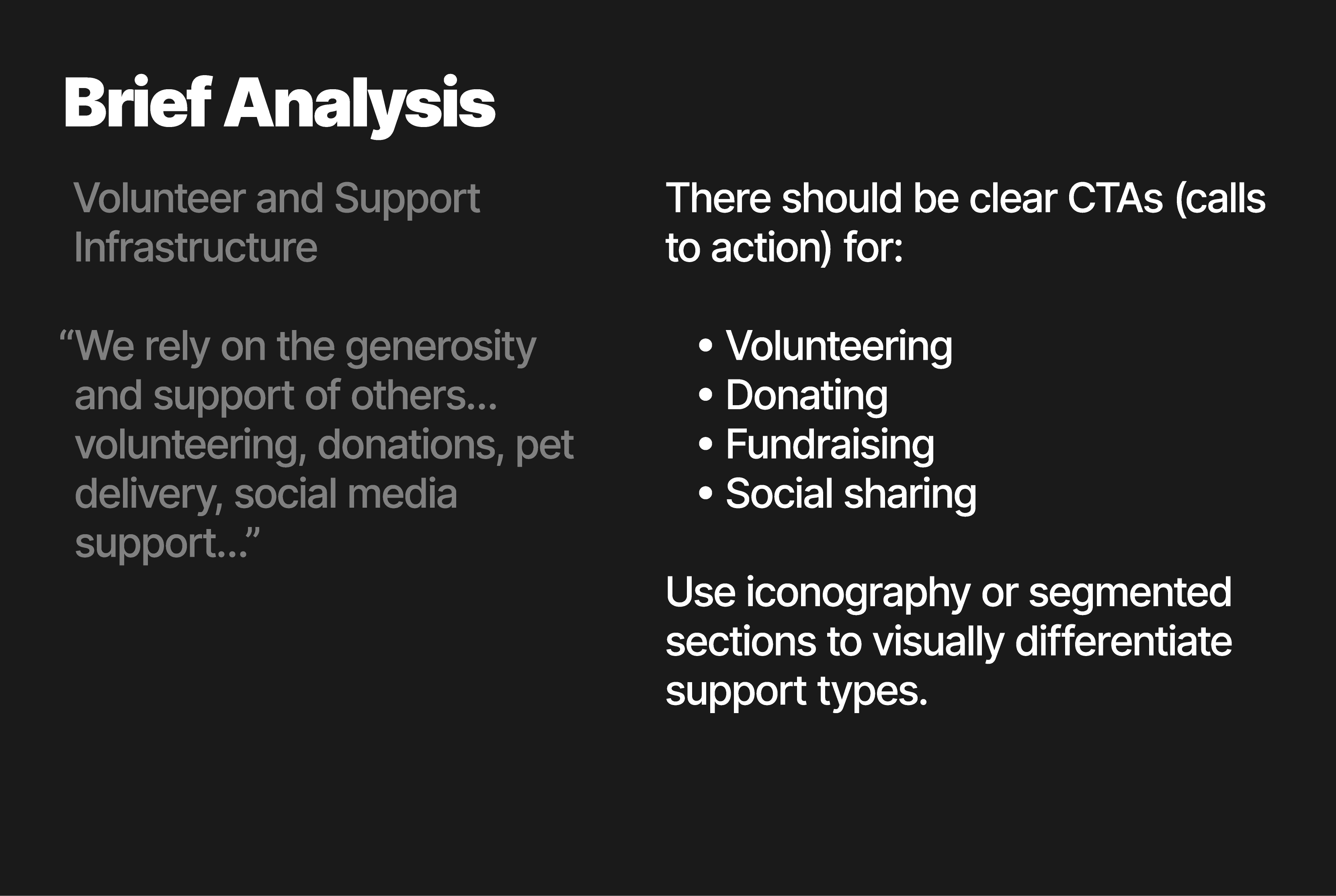
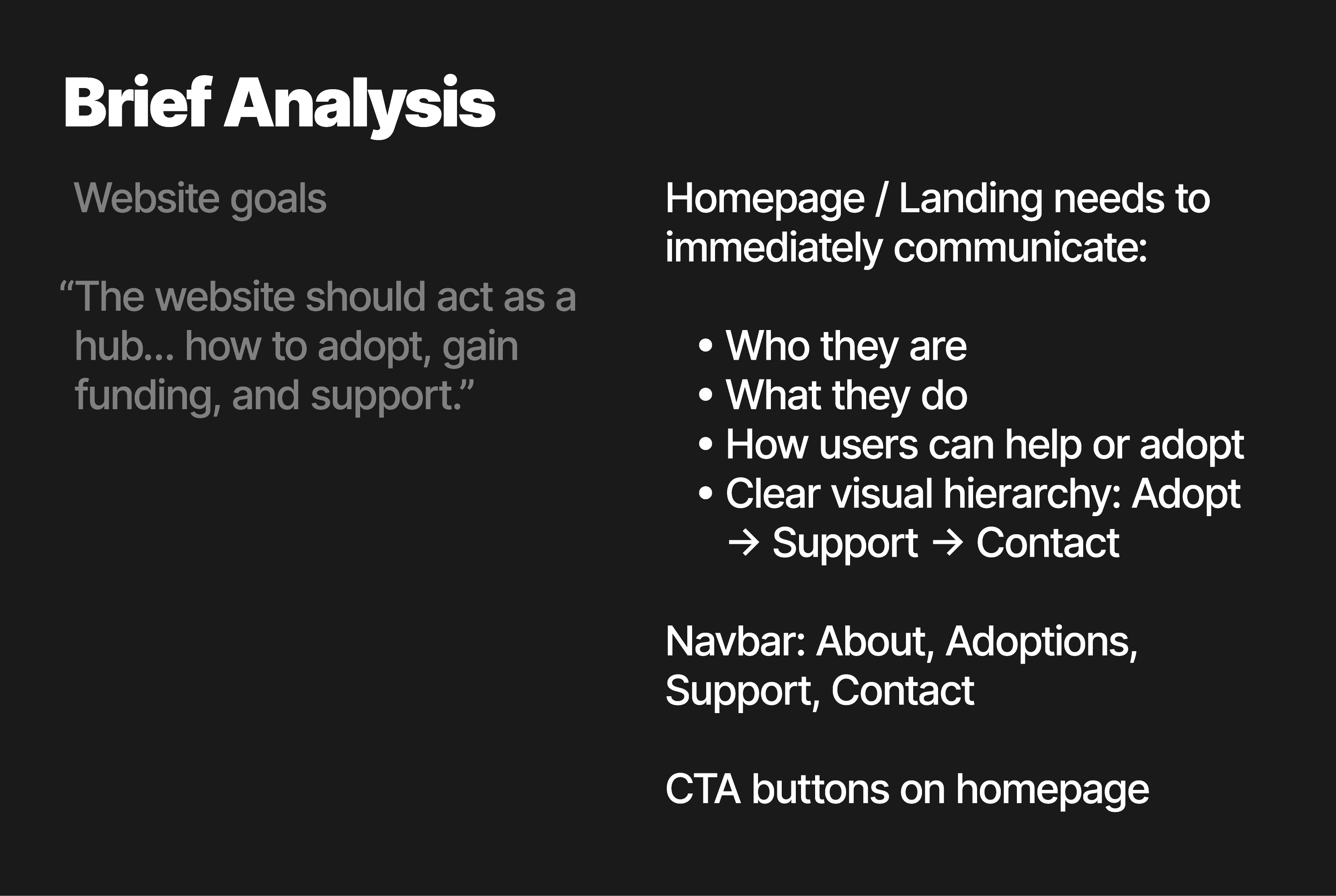
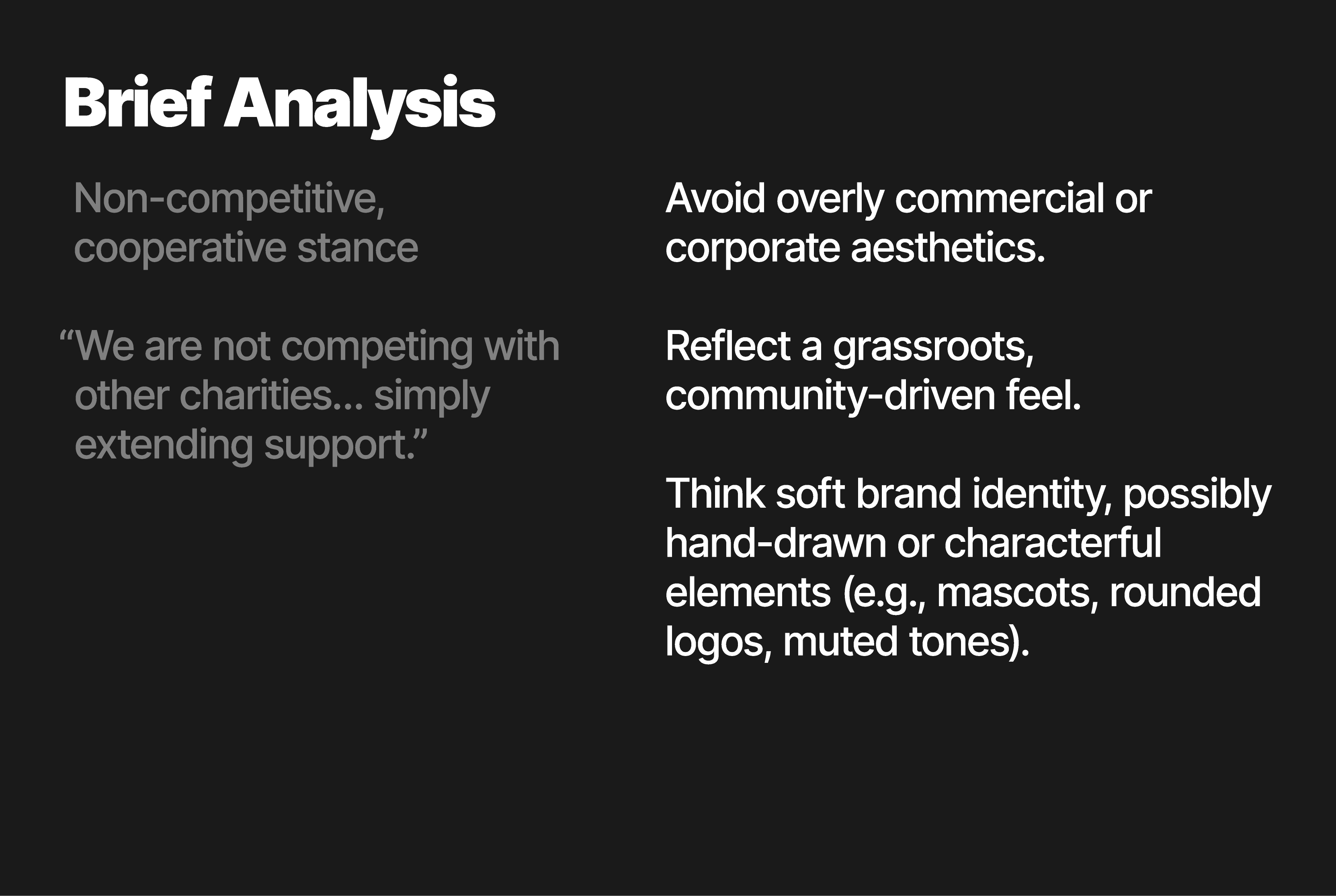
Now that I have my brief, it's time to analyse it. What are the most important pieces of the brief? How can this information be used to produce a desirable outcome? A good way to figure this out is by simply brain storming. Then look at which of your ideas fall within the guidelines of the brief and what doesn't. These ideas can then be extruded into a wireframe for the site and visual identity. In the images below, I have analysed different aspects of the brief.

Now that I have my brief, it's time to analyse it. What are the most important pieces of the brief? How can this information be used to produce a desirable outcome? A good way to figure this out is by simply brain storming. Then look at which of your ideas fall within the guidelines of the brief and what doesn't. These ideas can then be extruded into a wireframe for the site and visual identity. In the images below, I have analysed different aspects of the brief.

Swipe left on the image below to cycle through the content.

The Essay

Bibliography

Now that I have my brief, it's time to analyse it. What are the most important pieces of the brief? How can this information be used to produce a desirable outcome? A good way to figure this out is by simply brain storming. Then look at which of your ideas fall within the guidelines of the brief and what doesn't. These ideas can then be extruded into a wireframe for the site and visual identity. In the images below, I have analysed different aspects of the brief.

Now that I have my brief, it's time to analyse it. What are the most important pieces of the brief? How can this information be used to produce a desirable outcome? A good way to figure this out is by simply brain storming. Then look at which of your ideas fall within the guidelines of the brief and what doesn't. These ideas can then be extruded into a wireframe for the site and visual identity. In the images below, I have analysed different aspects of the brief.

Swipe left on the image below to cycle through the content.

Red arrow pointing to the right of the page to indicate their is swipeable carousel

Task 7

Present your hand drawn “wireframing” to your CLIENT. Discuss the outcome and include comments and revisions. This is called TESTING and there will be a session on this subject. Select the preferred layout.

Wireframe

Feedback

Before I begin with the feedback itself, it's worthing noting that due to ongoing client work outside of the course, I'm on a bit of a time crunch. For this reason, I do not have much time to explore iterations of the proposed wireframe. However, I do plan to work through the wireframe throughout the design phase and make changes/improvements where necessary.

The feedback I received on the proposed wireframe was very positive. The landing page was said to have a good layout with an effective flow of content as it helps guide the user to each page of the site in a cohesive order. The design provides a sense friendliness that will create harmony between the site and brand identity and help promote the charity's core values. This layout also benefits from it's flexibility. It can be used across various breakpoints such as desktop, tablet, and mobile.

Project Overview

That was an EXCELLENT brief. Let's get straight into the evaluation shall we? Yes, more reading I'm afraid.

Wrapping Up

Evaluation

Wowzers. What a project eh? Genuinely an absolute cracker. As I've said before my goal with each unit is to properly push myself to do my absolute best.

This project was a huge success in that regard. At the beginning of the project I had only just begun using Framer and was eager to learn the ins and outs. I challenged myself to not just design the website for The Ark, but build it too. I also did the same for my workbook, it's a fully functional and responsive website.

I have been able to complete each task in a timely manner and have successfully produced all required deliverables for the project as well as the added deliverable of a functional site.

Throughout the unit, I have looked at key concepts such as web safe fonts, colour theory, accessibility, and more to produce a very well rounded outcome that included an effective logo device and visual identity as well the charity website.

I explored a number of logo concepts before finding the ideal solution that avoids industry cliches whilst perfectly symbolising the charity's ethos of connecting animals with their forever homes.

Through wire-framing and a developmental process, I have created an effective website that only slightly deviates from the original design to keep it optimised across all platforms.

I'm incredibly pleased with the process and the outcome of this project as I've put in 110% the whole way through. I have gone beyond the project requirements to ensure I challenge my abilities which has been a great success.

I've learnt a boatload about how to actually build a responsive, accessible website which I'm very pleased with. I can't wait to build more sites with Framer in the future.

If I was to do the project again however, I would like to be better organised when it comes to balancing my workload. Due to having ongoing client projects outside of my degree work, I had moments where I was focusing on one thing more than the other which led to a slight time crunch at the end of the project.

This being said, I completed my client work and then completed my work for Unit 6 two days before the deadline which left me time to check things over before submission.

Overall, this project has been hugely successful with a few minor tweaks to be made if I was tasked to do it again.

To bring the project to a close, I would love to give the website to a charity who may be in need of it. As it's a functional site, there's minimal work to do if a charity was to use the site. That's the next task, but you'll here about that next year.

The end!

Apologies for all that reading, I hope it didn't take up too much of your week. That's the entirety of the project from start to finish, I hope you enjoyed it.

Create a free website with Framer, the website builder loved by startups, designers and agencies.